Log in

Fastener library for2020+

Every fastener, ready to snap.

ISO and EN fasteners as native SOLIDWORKS parts. One part, one file, with cosmetic threads and a mate reference built in.
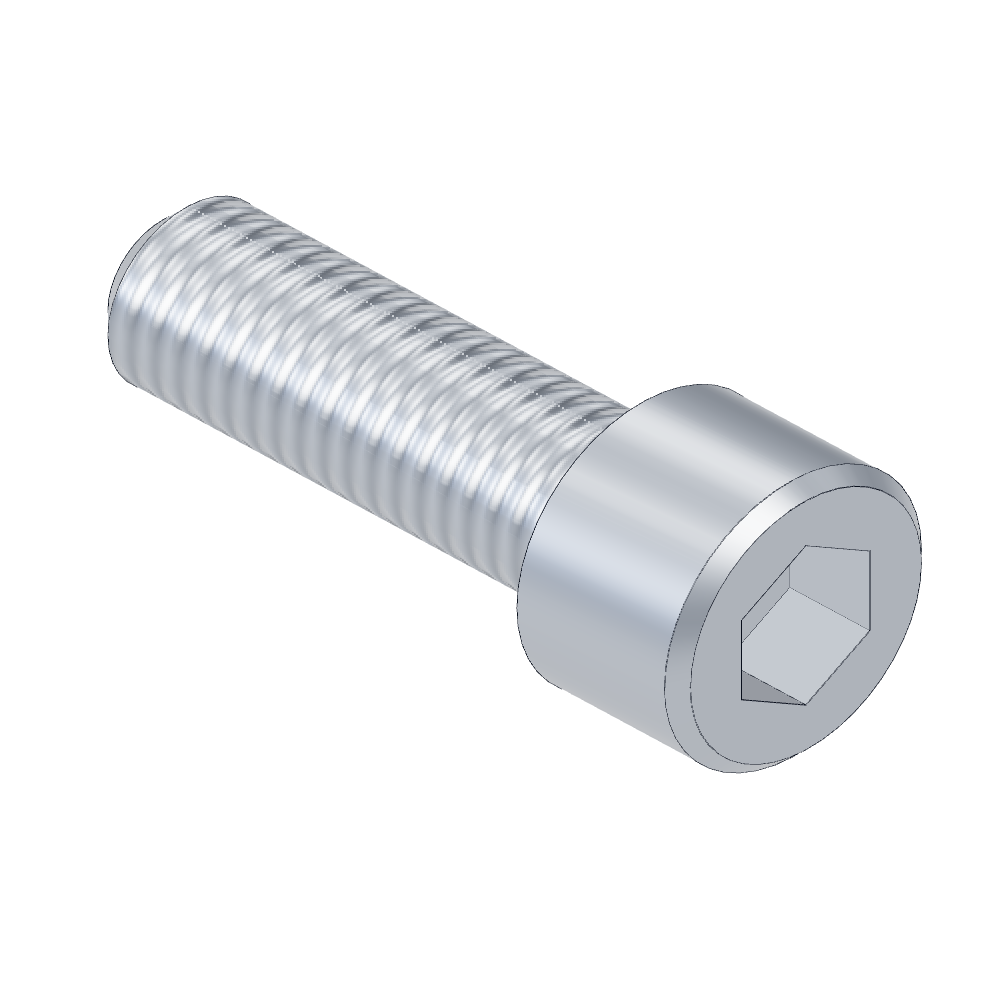
EN ISO 4762 M10x30 socket head cap screw
Drag to rotate · EN ISO 4762 M10x30

01 · Library

Browse all parts →

02 · Drag, drop, snap

The part finds its own place.

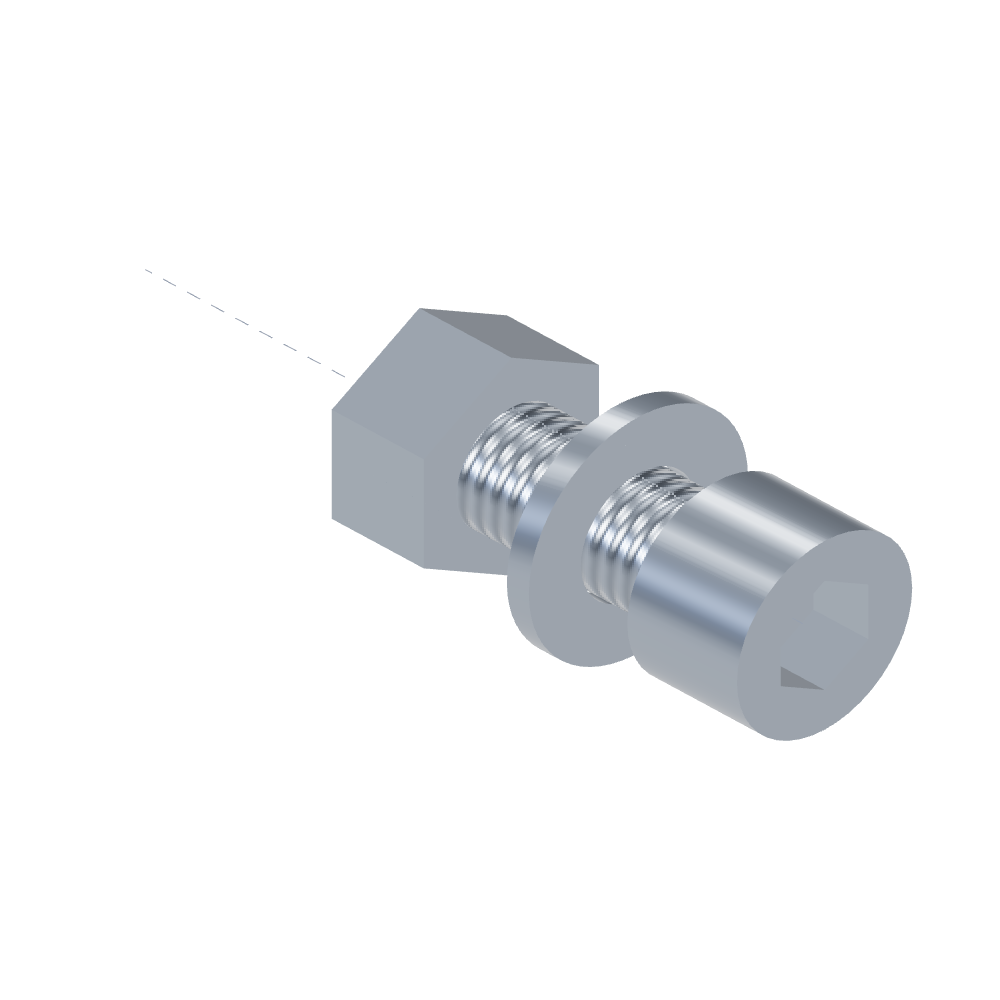
  1. ConcentricThe bolt's axis lines up with the hole's axis.
  2. CoincidentThe underside of the head lies flat on the surface.
  3. Same rules for the nutWasher and nut follow the same two mates.

The mate reference is built into every file. There is nothing to set up.
03 · Precision

Every file says what it is.

Naming

one part
One file. No configurations.
thread
Cosmetic thread, ready for drawings.
mate
Mate reference built in: concentric and coincident.
properties
Description, part number and material in Dutch and English.

Properties in the file, as a data card

Laid out like a PDM data card. Part Number, Description, Material and Standard are custom properties in every file; the weight and the file name come from SOLIDWORKS itself. Map them to the fields of your own card.

04 · SOLIDWORKS add-in

Search the library, drag it into your assembly.

  • Search and filterBy size, standard (DIN numbers too), material or a word.
  • Drag with snapDrop a part on a hole: it snaps with the built-in mates.
  • Group your wayBy family, size, material or standard.
SOLIDWORKS
2020 or newer
OS
Windows
Price
Free during the preview

The installer is not code-signed yet, so Windows may show a warning.

Rendered from the library data.

05 · Film

Thirty seconds with Boltr.

06 · Try and buy

Start free. The full library is on its way.

Free sample

5 parts

  • One part from each family
  • Real SOLIDWORKS files, same quality
  • Properties CSV and README included
Download free sample

Full library Coming soon

€1,295 excl. VAT, one-off, no subscription

    07 · Checks

    How every part is built and checked.

    1. 01Dimension table

      Dimensions come from one table per standard, with the edition year.

    2. 02Rebuild check

      Each part is built in SOLIDWORKS and checked for feature-tree errors.

    3. 03Volume check

      The model's volume must be within 0.5% of the calculated value.

    4. 04Mate check

      Each family is test-assembled in SOLIDWORKS for snapping before release.

    Drag your first bolt into an assembly.