Search and filter
Type M10, ISO 4762 or DIN 912 and the list follows instantly. Filter by family, size and material.
SOLIDWORKS add-in · free
Our own task pane, built for fasteners: search by size, standard, DIN number or material, group the list the way you work and drag parts straight into your assembly, where they snap into place.
For SOLIDWORKS 2020 or newer on Windows. Free while the library is in preview.
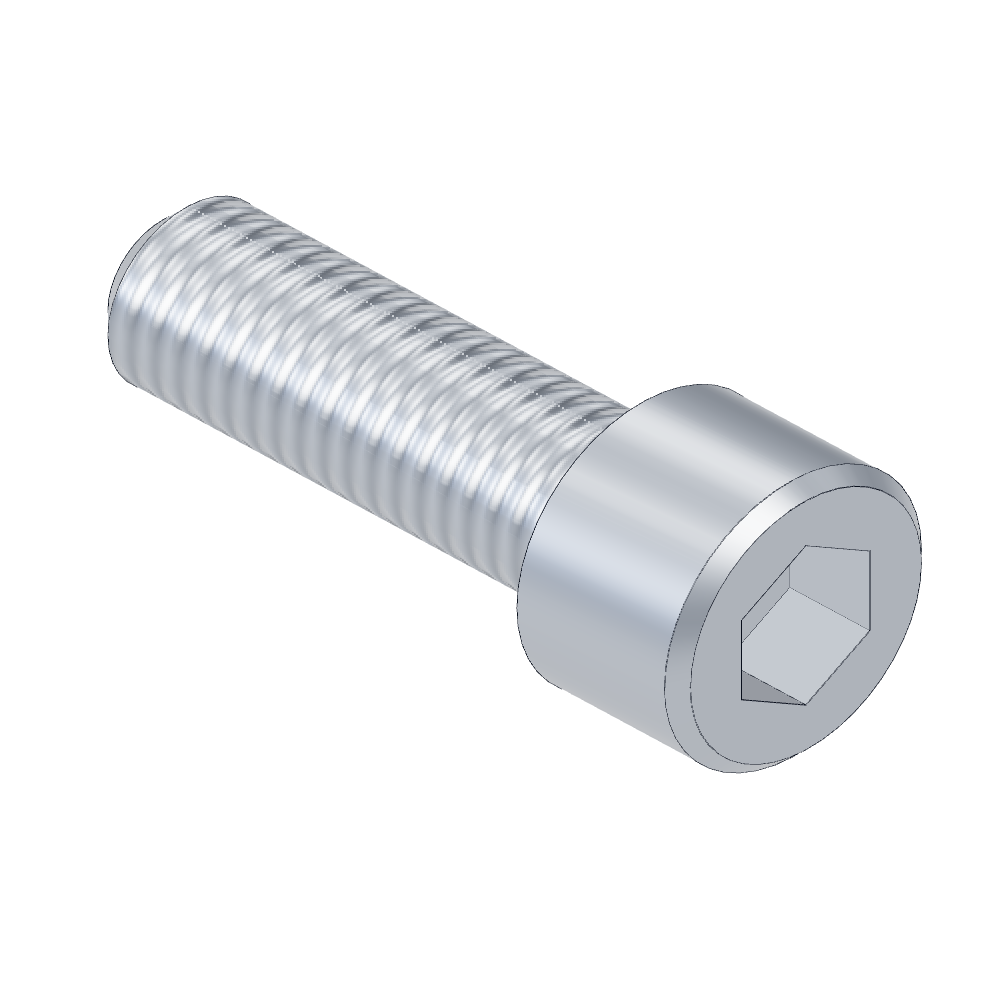 CYL Bolt M10x30ISO 476212.9CYL Bolt M10x40ISO 476212.9CYL Bolt M10x50ISO 476212.9
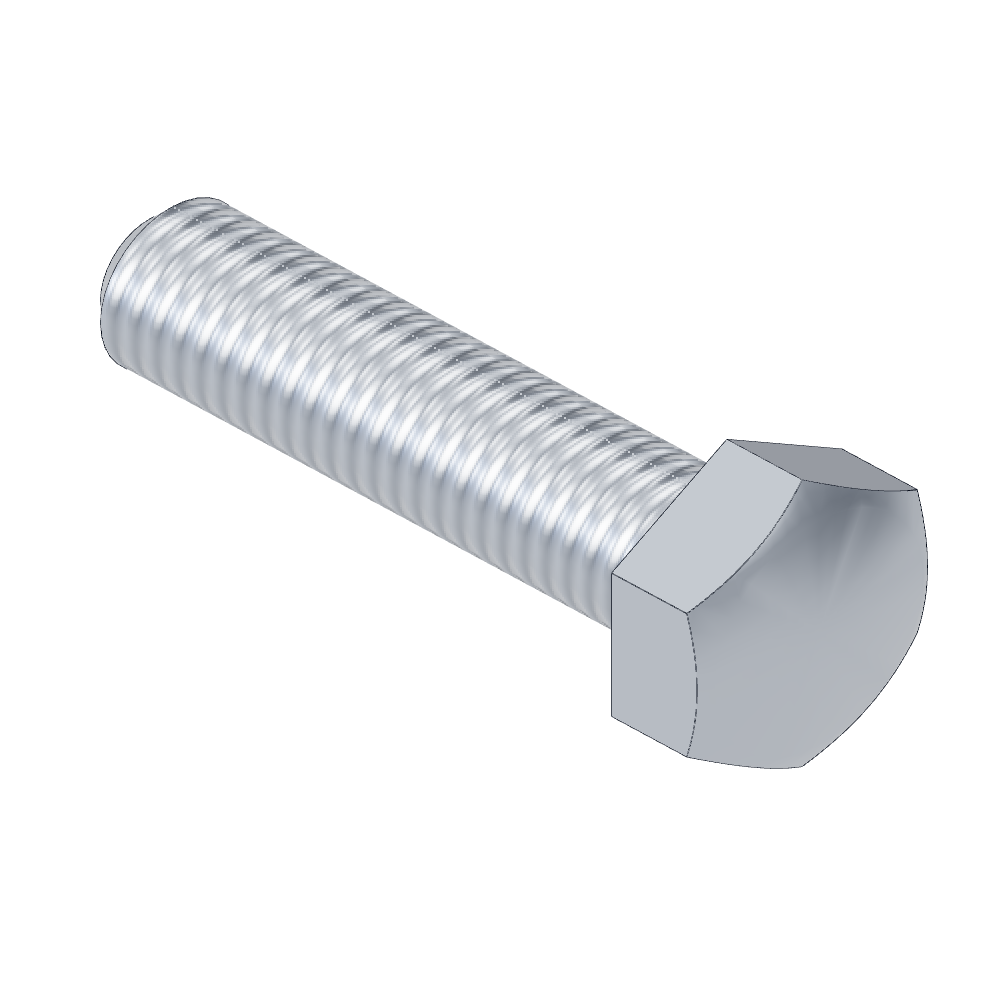 HEX Bolt M10x40ISO 40178.8
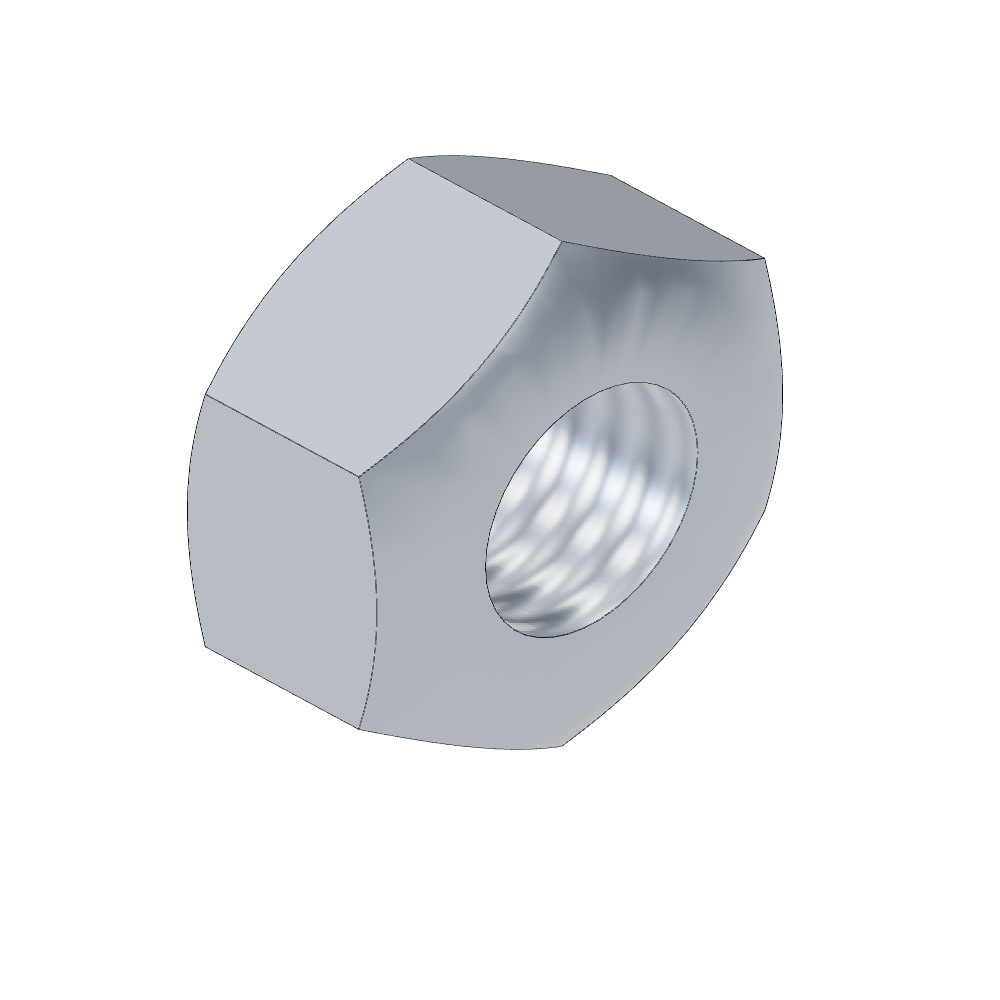 HEX Nut M10ISO 40328
Features
Type M10, ISO 4762 or DIN 912 and the list follows instantly. Filter by family, size and material.
Group by family, size, material or standard. Names start with the shape and kind, for example CYL Bolt M10x16.
Drag a part into your assembly and it snaps onto the hole, or double-click to insert it.
The free sample is already inside the add-in. Using the full library? Point it at the Fasteners folder of your package with Library folder.
See an image, description and standard of the selected part before you insert it.
The add-in is free while the library is in preview.
Installation
Windows may warn about an unknown publisher: the installer is not code-signed yet.
| Version | SOLIDWORKS 2020 or newer |
| Operating system | Windows |
| Rights | Administrator, once at installation |
| Data | The add-in works locally and sends nothing to us. |
| Uninstall | With Uninstall.cmd in the same folder. |
Trouble installing? Send us a message through the contact page.